Spotting loss-making items to weed out of the menu
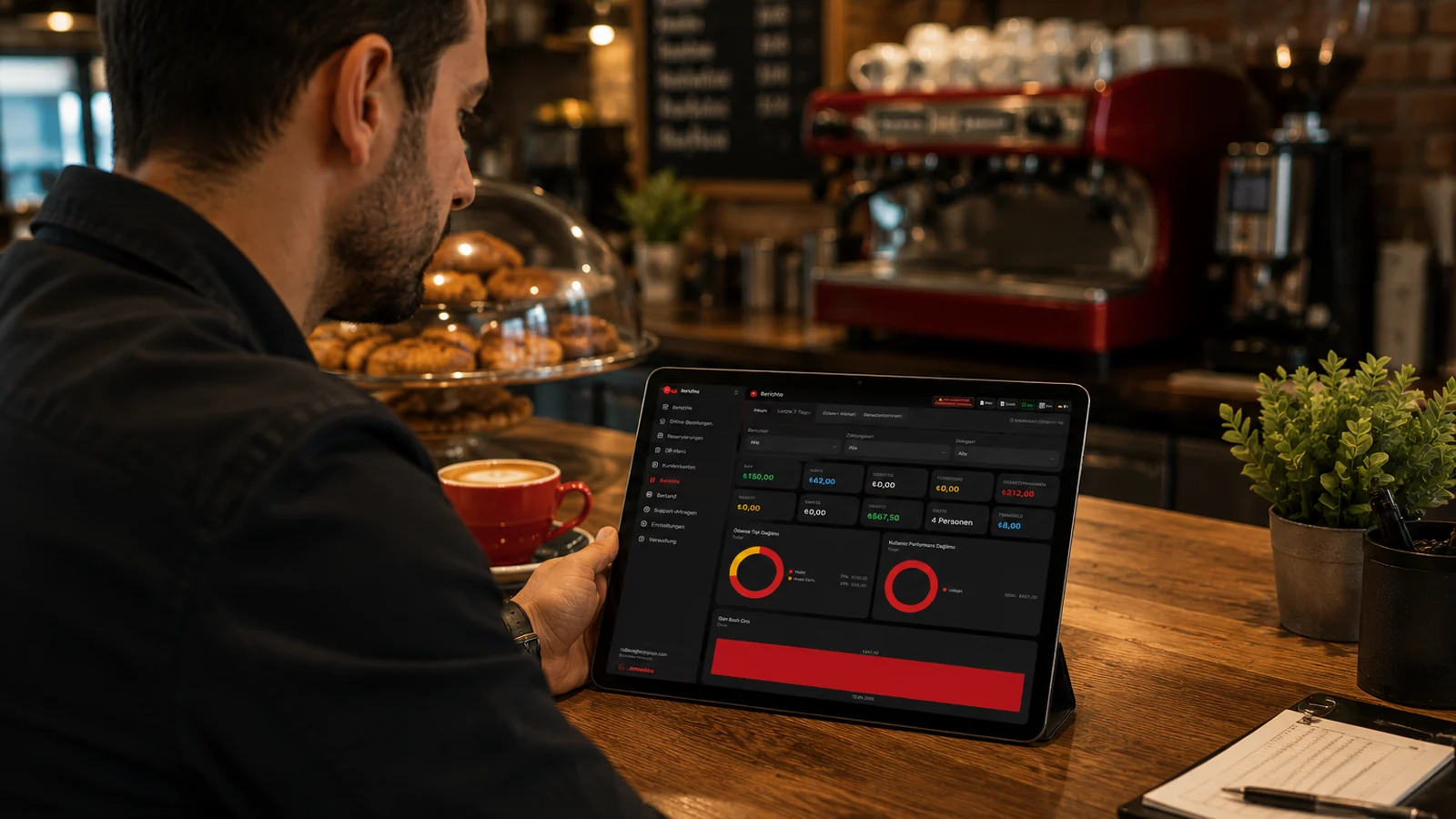
Products whose recipe and AVCO cost exceed their selling price become clearly visible in the profit-loss table, so you no longer have to hunt one by one for items that lose money on every sale. Once you spot these items you can update their price, review their recipe, or remove them from the menu entirely. The decision now rests on the product's real profit figure rather than on guesswork.
Seeing which day or shift is unprofitable
Because profit and loss is spread across the days in the date range you choose, it becomes possible to flag days where the margin erodes even when turnover is high. When you see that a day or period consistently loses money, you can review the staffing, opening duration or promotions for those days. This way you focus on the days that generate the most profit, not just the most sales.
Catching the margin impact of a cost rise early
Because raw material costs are kept current through the AVCO method, a price rise in an ingredient feeds into the cost of the products that use it and becomes visible in the profit-loss table. When the AI highlights this shrinking margin, you can adjust the price before the profit is fully eroded or reconsider your supplier. This lets you notice a cost increase the moment you look at the report, rather than waiting for the end-of-month one.
Presenting the P&L with interpretation to the manager
Because the system presents profit-loss data not as raw numbers alone but together with a readable interpretation produced by the AI, explaining the table to a manager or partner becomes easy. You can export the report as PDF or Excel to make it meeting-ready, and in a multi-branch setup review branches side by side in a comparison report. This way your counterpart sees directly what each product and period did, without having to interpret the raw table.