Integration Details

Restaurant Customer Feedback System
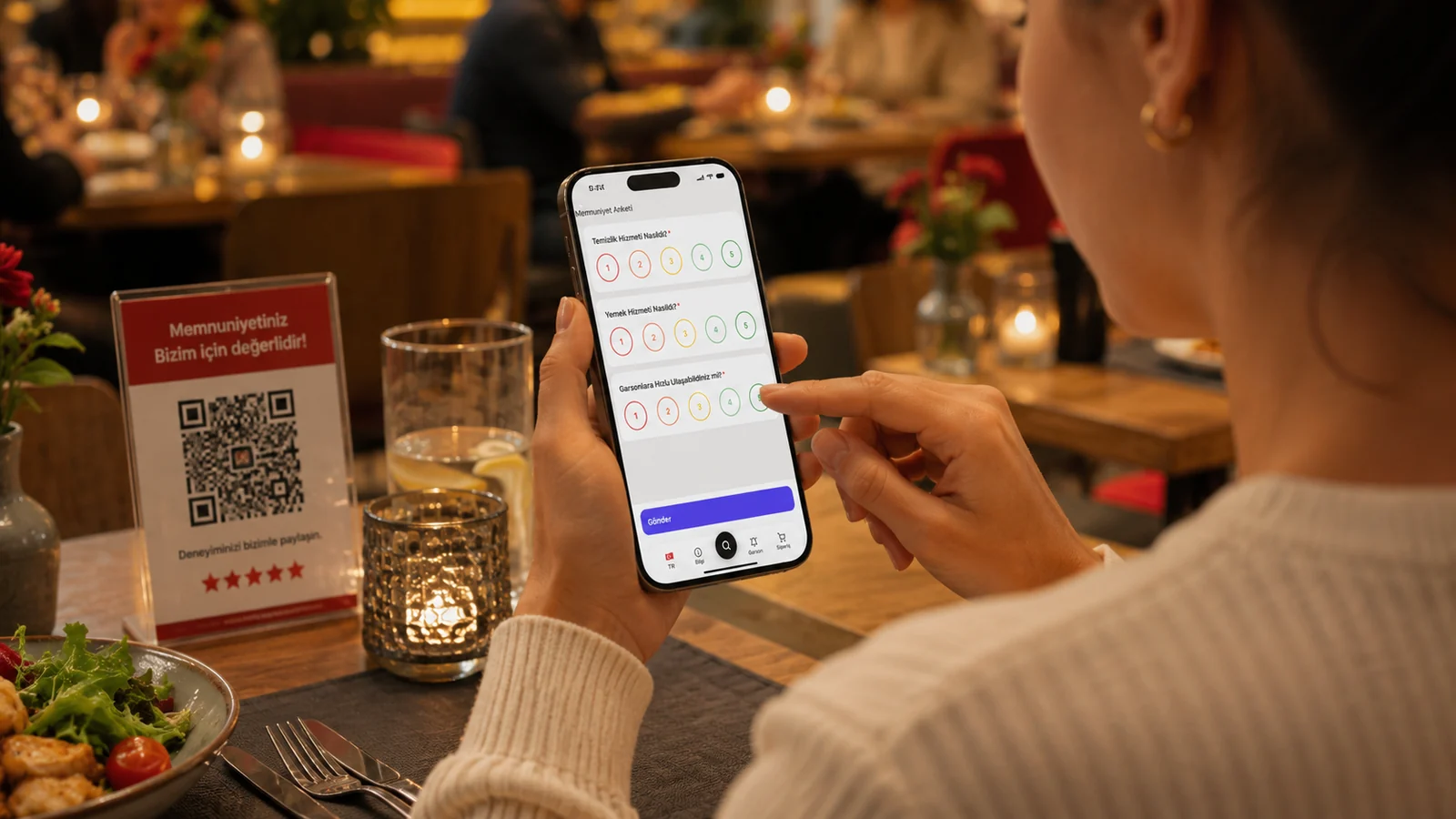
QR rating and instant feedback

Customer feedback system: guests rate service via QR and leave reviews; you see results live in the RoxPos panel and act fast on negatives.

Restaurant Customer Feedback System

Key Highlights

QR survey — guests rate from the table in seconds.

The moment a guest scans the QR code on the table, the survey opens in the browser with no app download, sign-up, or trip to the counter required. They rate the service and leave feedback in a few taps without getting up, so you capture more responses while the experience is still fresh.

Live results panel — track satisfaction day by day.

The ratings and comments a guest submits are saved to the survey results screen in your RoxPos panel, where you see the total number of responses, the per-question averages, and the most recent comments. You filter the results by the date range you choose and follow how satisfaction is trending right from the panel.

Define your own questions — a survey tailored to you.

You define the survey questions to fit your own business, asking about the things you actually care about, from food quality to speed of service and cleanliness. You can set each question up as a rating, a free-text answer, or yes/no, and offer the survey in Turkish, English, German, and Spanish so foreign guests can answer in their own language.

Fast action on negative feedback — catch issues early.

Because low scores and negative comments are gathered in the recent-responses list of the survey results panel, you notice recurring problems early. You can see which days and which topics a complaint clusters around and make the needed fix before the issue grows.

What Does This Integration Deliver?

Measuring service quality from the guest's view

Instead of assuming things are going well in the dining room, you measure your service quality on the actual guest experience through the ratings they give in the QR survey at the table. In the results panel you see the total responses and the per-question averages, notice which topics are weaker, and base your improvements on data rather than guesswork.

Learning of a bad experience before the guest leaves and fixing it

When you open the survey panel you see the negative responses that have accumulated through the per-question averages and recent comments, and you understand which tables and topics are causing problems. By following this feedback you fix what went wrong, reach back out to the affected guest if needed to make it right, and keep the same issue from recurring.

Comparing staff and branch performance against satisfaction

By filtering the survey results by date range you see how satisfaction changes between periods and measure which topics stand out through the per-question averages. With RoxPos's multi-branch comparison reports and PDF/Excel export you place revenue and transaction data side by side across branches and focus on the strong and weak spots.

Guiding positive reviews toward online ratings

You catch the satisfied guest at exactly the right moment, while the experience is still fresh, through the QR survey at the table and record their positive impression directly. Because high scores and positive comments are gathered in the survey results panel, you see concretely what you are doing well and share those strengths with your team to keep them up.

Related Solutions

Frequently Asked Questions

How does the survey work?

The guest scans the QR on the table or receipt, fills a short survey and optionally leaves a comment. The result lands instantly in the RoxPos panel; no app needed.

Can I change the survey questions?

Yes. You define the questions yourself; you can set rating, multiple-choice or free-comment questions to fit your venue.

Am I alerted on negative feedback?

Yes. Low-rated or negative reviews show separately in the panel; you can spot the issue while the guest is still on-site and make it right at once.

Is feedback linked to reporting?

Yes. You see satisfaction data in reports by branch and date and evaluate it alongside sales and staff performance to make decisions.