Integration Details

Multi-Location Restaurant Management
Manage every branch from one central account

Manage every branch from one account: central menu and pricing, branch-level roles and comparative reports. RoxPos for chains and franchises.

Multi-Location Restaurant Management

Key Highlights

Central menu and pricing — define once, push to all branches.

Define products, categories and prices once in a single central panel, then publish them to any branches you choose at the same time. When you change a promotional price or add a new product, every selected branch works with the up-to-date menu, eliminating price inconsistencies and the burden of manual updates across locations.

Branch-level roles and permissions — you decide who sees what.

With menu- and action-level role management you decide separately which branch, which screen and which operation each user can access. A cashier reaches only the sales screen while a branch manager sees the reports, so sensitive data stays protected and everyone works only within the area that belongs to their job.

Comparative branch report — revenue and performance side by side.

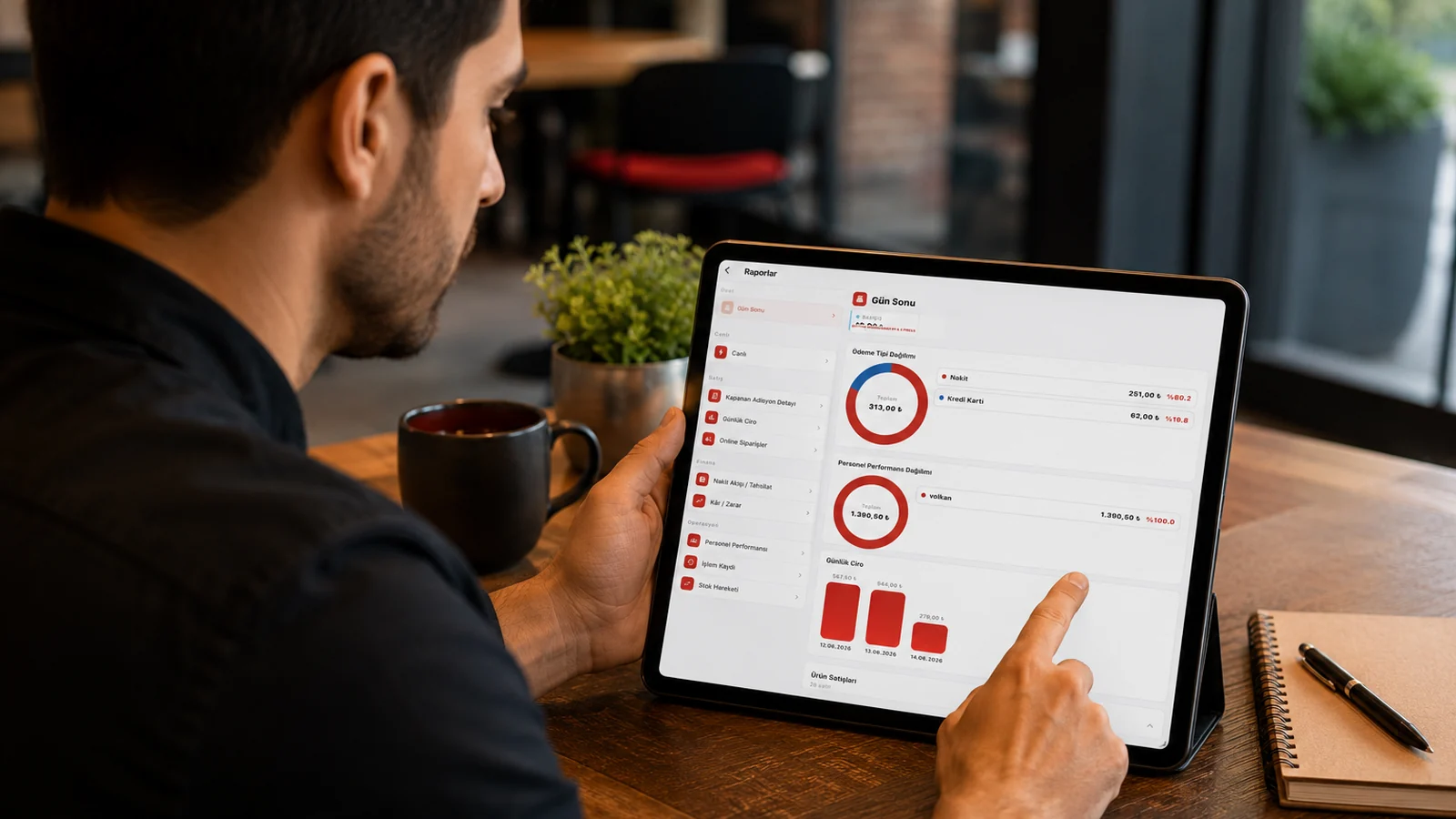
The live reporting screen places the revenue, sales and performance of several branches side by side in the same view. You see at a glance which branch stands out and which falls behind, and you can export the results to PDF or Excel to share with your team.

Franchise-friendly — each branch its own till, HQ one panel.

Thanks to the multi-tenant structure, each franchise branch runs its own register, sales and daily operations independently while headquarters monitors every branch from a single panel. Branches operate without mixing into each other's data, and head office manages the menu and reports from one place, giving growing chains clean oversight.

What Does This Integration Deliver?

Setting up a new branch's menu centrally in one click

When you open a new branch, you publish the menu, categories and prices already defined in the central panel to that location so it is ready to operate without entering products one by one. The branch starts selling with the chain's standard menu from the first day, cutting opening preparation from hours to minutes.

Comparing branch revenue to catch underperformance

In the comparative report you examine the revenue and sales of all branches side by side for the same period, so you spot early which branch is underperforming. You see which branch and which period the falling figures come from and take action, exporting the results to PDF or Excel for a management meeting when needed.

Enforcing standard pricing and menu across franchisees

By publishing the central menu and price definitions to all franchise branches, you ensure the same product name, presentation and price apply at every location. Using permissions you can prevent branches from changing prices or products on their own, which protects brand consistency and ensures customers meet the same menu whichever branch they visit.

Letting a regional manager see only their own branches

With the branch-level permission structure you open only the screens and reports of the branches a regional manager is responsible for and hide the data of other regions. The manager monitors the sales and performance of their own branches without reaching the rest of the chain, so authority boundaries stay clear and data security is preserved.

Related Solutions

Frequently Asked Questions

Can I push menu and prices to all branches centrally?

Yes. You can push centrally defined menus and prices to selected branches; branch-specific price exceptions can also be set if needed.

Can I see each branch's reports separately?

Yes. You can view branches one by one or side by side in a comparative report; revenue, product and staff performance can be broken down per branch.

Can I limit staff to their own branch?

Yes. You define branch-level roles and permissions; a user sees only the branch(es) they are assigned to, while HQ monitors all branches from one panel.

Is it suitable for a franchise model?

Yes. Each branch runs its own till and operations while HQ manages standard menu, pricing and reports from one panel; it is built for franchise chains.