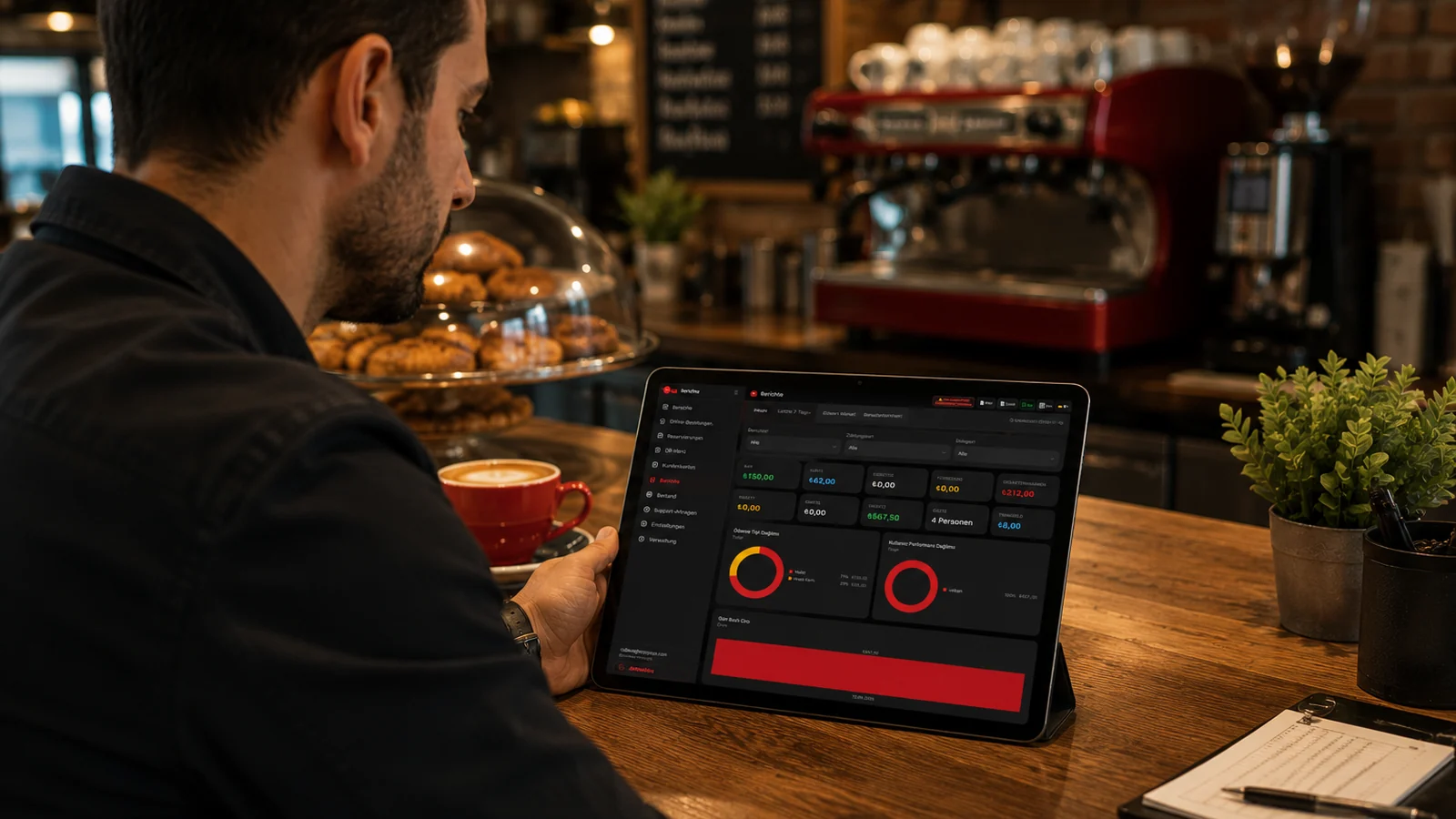
Getting yesterday's summary on one screen at opening
As soon as you open up, you check the assistant and see yesterday's revenue, transaction count and notable activity on a single screen. Knowing what went well and what needs attention before the day starts lets you steer the team with the right priorities. If you run multiple branches, each one's previous-day performance sits side by side in the same summary.
Acting early on a sales drop before noticing too late
The assistant flags it as an early warning when the sales trend starts to turn down, so instead of noticing the gap at month-end you act while there is still time. By making promotion, pricing or menu adjustments without delay, you keep the decline from deepening. Because the warning rests on real sales data, you know exactly what you are responding to.
Hearing about stock risk before a critical item runs out
Thanks to automatic stock deduction at order close and recipe consumption, the assistant warns you when a raw material approaches a critical level before the item runs out. You place the supply or production order in time and prevent gaps from forming in the menu. This removes the risk of running out of a best-seller right when demand is at its peak.
Tracking the day remotely without being on site
Thanks to cloud-based RoxPos, you reach the assistant's daily summary and alerts from a phone, tablet or browser anywhere, around the clock. Without being physically on site, you see the state of the day, read the points needing attention and steer things remotely when needed. If you manage several branches, you follow each one's day from the same place without visiting them separately.