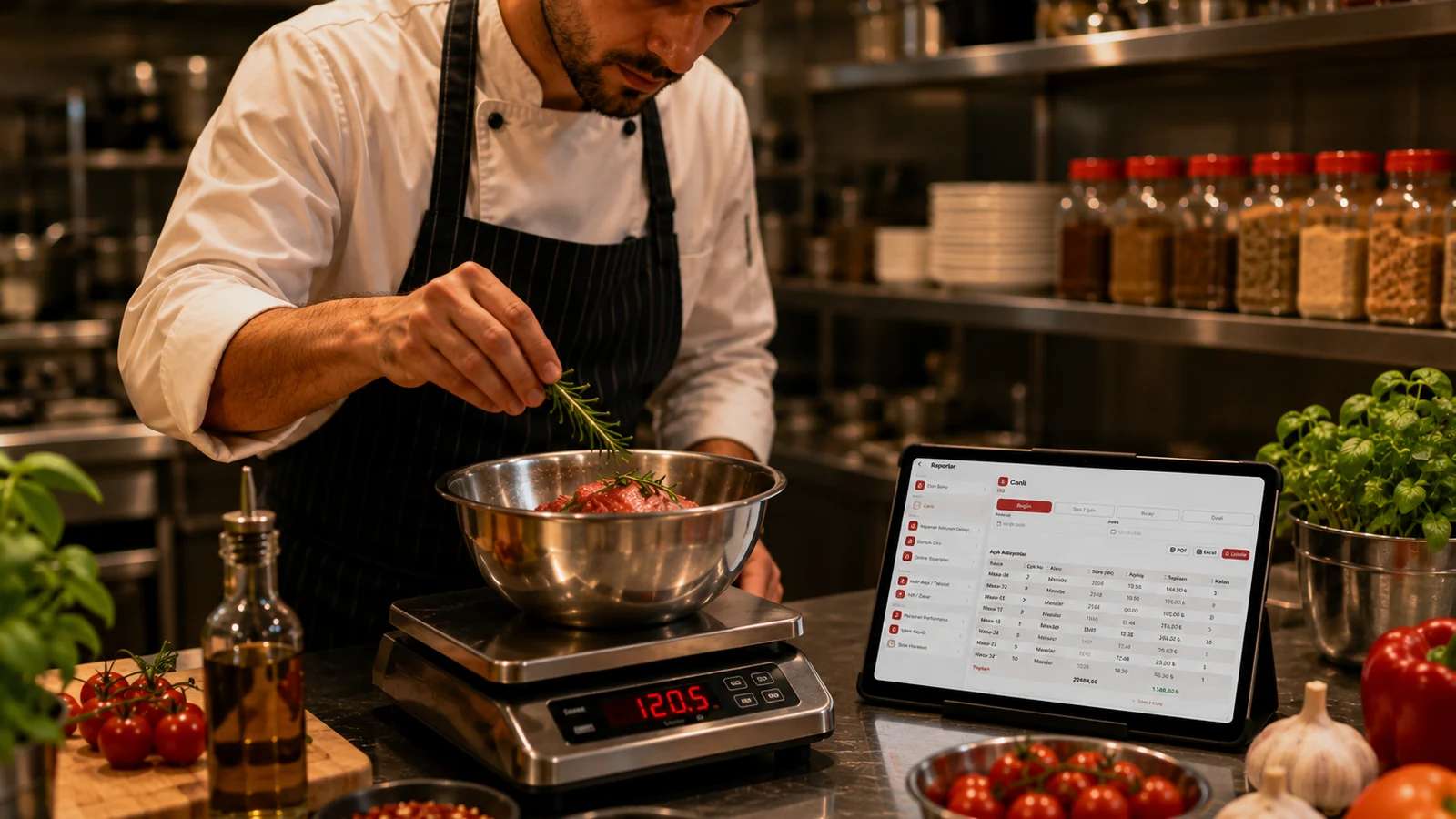
Real material cost with moving average (AVCO).
RoxPos values every raw-material purchase using the weighted average (AVCO) method; when you buy the same ingredient at different prices, it blends the existing stock quantity with the new purchase to recalculate the current unit cost automatically. When an order is closed, the recipe ingredients are deducted from stock at this up-to-date cost, so your raw-material expense reflects reality rather than an estimate. As prices fluctuate your cost updates on its own, with no manual correction required.
Recipe-based product cost and instant profit margin.
For each menu item you define how much of which ingredient it uses through a recipe, and RoxPos sums the current AVCO costs of those ingredients to produce the item's true total cost. By comparing this cost against the selling price, the item's profit margin becomes visible instantly. This way you see what a dish actually earns based on ingredient data rather than guesswork.
Menu profitability — which item earns, which loses?
By combining sales data with recipe costs, RoxPos reveals how much profit or loss each item on your menu generates. You can place high-selling but low-margin items next to low-selling but profitable ones and assess your menu by actual profitability. This lets you decide based on real sales and cost figures instead of intuition.
Calculate the price impact before costs rise.
When a raw material's purchase price changes, RoxPos reflects it through the updated AVCO cost across every item that contains that ingredient, so you can see which items and margins the increase affects. By comparing your current selling price with the new cost, you can assess how much the margin shrinks before changing any price. This lets you make pricing decisions based on data, before cost pressure sets in.