Integration Details

Delivery Management Software
Manage online orders on one screen

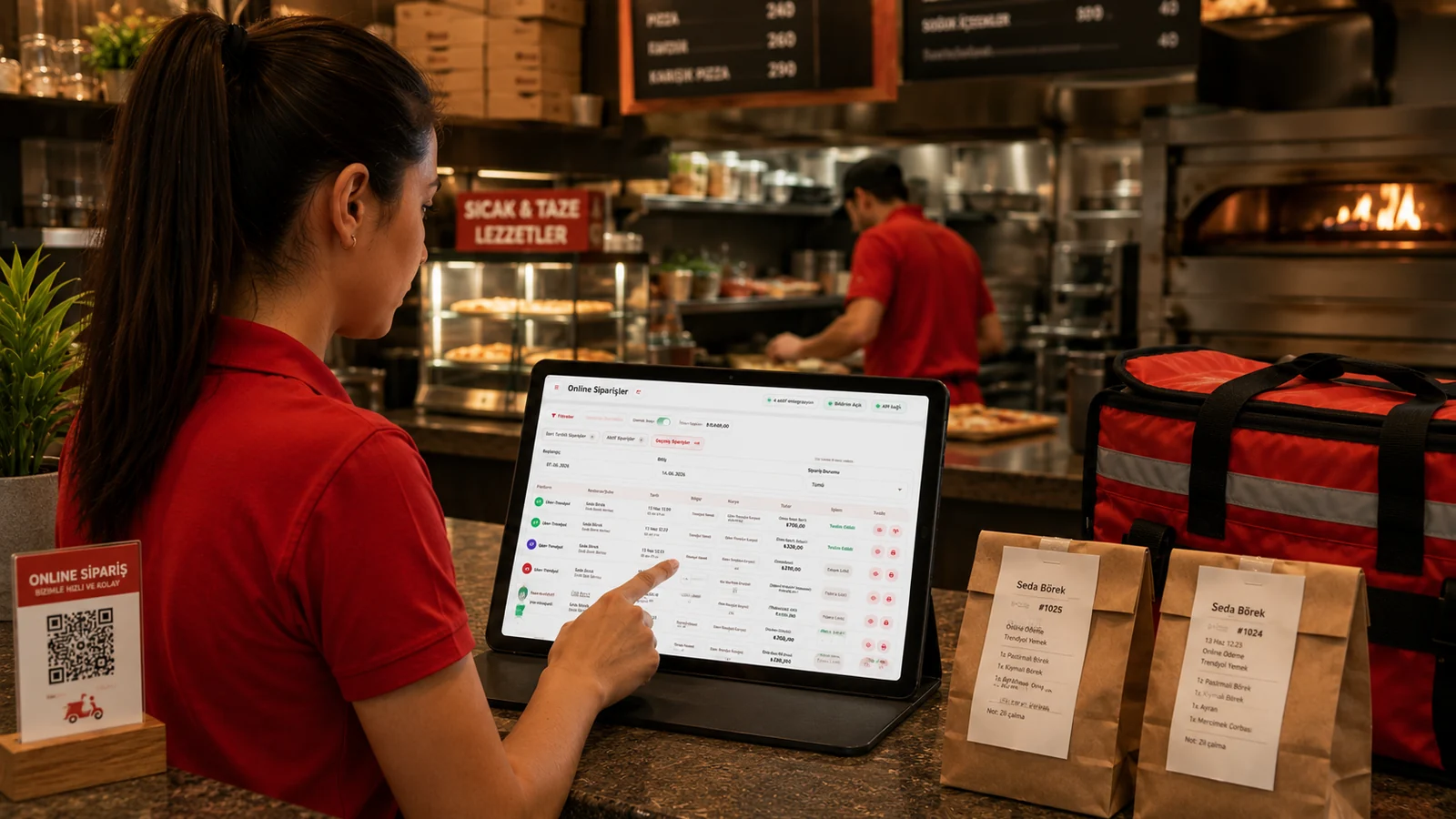
Manage online and phone orders on one screen; speed up delivery with courier, caller ID and auto-accept. Marketplace orders gather in one flow.

Delivery Management Software

Key Highlights

One-screen orders — all channels in the same list.

Orders from Yemeksepeti, Getir, Uber Eats (Trendyol) and Migros Yemek arrive in the same flow as your phone orders, so you no longer juggle a separate app for each platform. Order status, preparation and delivery steps are all handled on one screen, which keeps anything from slipping through the cracks during peak hours.

Caller ID — the caller's info and address pop on screen.

When a customer calls, their number is recognized and the saved name and delivery address pop up on screen automatically. The operator no longer has to ask for the address again or type it by hand, so the order opens correctly and quickly from the very first second.

Courier assign and track — see which order is with whom.

You assign ready packages to couriers and see at a glance which order is with whom. Because the open deliveries on each courier are trackable, distribution stays balanced and you can give customers accurate updates.

Auto-accept — incoming orders hit the kitchen without delay.

Orders coming from marketplace channels are routed straight into the system and to the kitchen printer without waiting for manual approval. Preparation starts earlier, so delivery times shorten and you avoid an approval bottleneck during busy moments.

What Does This Integration Deliver?

Not mixing up orders from different channels on a busy evening

When Yemeksepeti, Getir, Uber Eats (Trendyol), Migros Yemek and phone orders all start coming in at once during the evening rush, they gather in a single list so it stays clear which order came from which channel. Instead of checking a separate screen for each platform you work from one flow, which reduces confusion and the risk of preparing the wrong order.

Quickly recognizing a phone customer with their address

When a regular customer calls to order, Caller ID recognizes the number and brings their saved name and delivery address onto the screen, so there is no need to ask for the details from scratch. The order opens within seconds with the correct address and the time spent on the phone is noticeably shorter.

Assigning couriers efficiently to cut delivery time

By assigning ready packages to the right couriers you can see the open deliveries each courier is carrying and spread the load evenly. Because you can track which order is on the way with which courier, idle waiting drops and the time it takes to reach the customer gets shorter.

Reporting online order volume by product and channel

With live reporting you can see which products sell the most and which channels your orders come from, broken down by product and channel. Since you can export the reports as PDF or Excel, you can base your campaign and menu decisions on real data.

Related Solutions

Frequently Asked Questions

Do I see all channels' orders in one place?

Yes. Online and phone orders list on one delivery screen; you manage each order's status (new, preparing, on the way, delivered) from the same place.

How does caller ID work?

When a customer calls, caller ID hardware recognizes the number; if they ordered before, their name and saved address pop up automatically so you take the order fast.

Can I assign and track couriers?

Yes. You assign a courier to each order and track which order is with whom and its status on screen to manage delivery in order.

Do Yemeksepeti, Getir and Uber Eats (Trendyol) orders arrive here?

With RoxPos marketplace integrations (Yemeksepeti, Getir, Uber Eats (Trendyol), Migros Yemek), incoming orders gather on the delivery screen, so you don't track separate panels.