Integration Details

Restaurant Reservation System
Manage date, time, table and hall

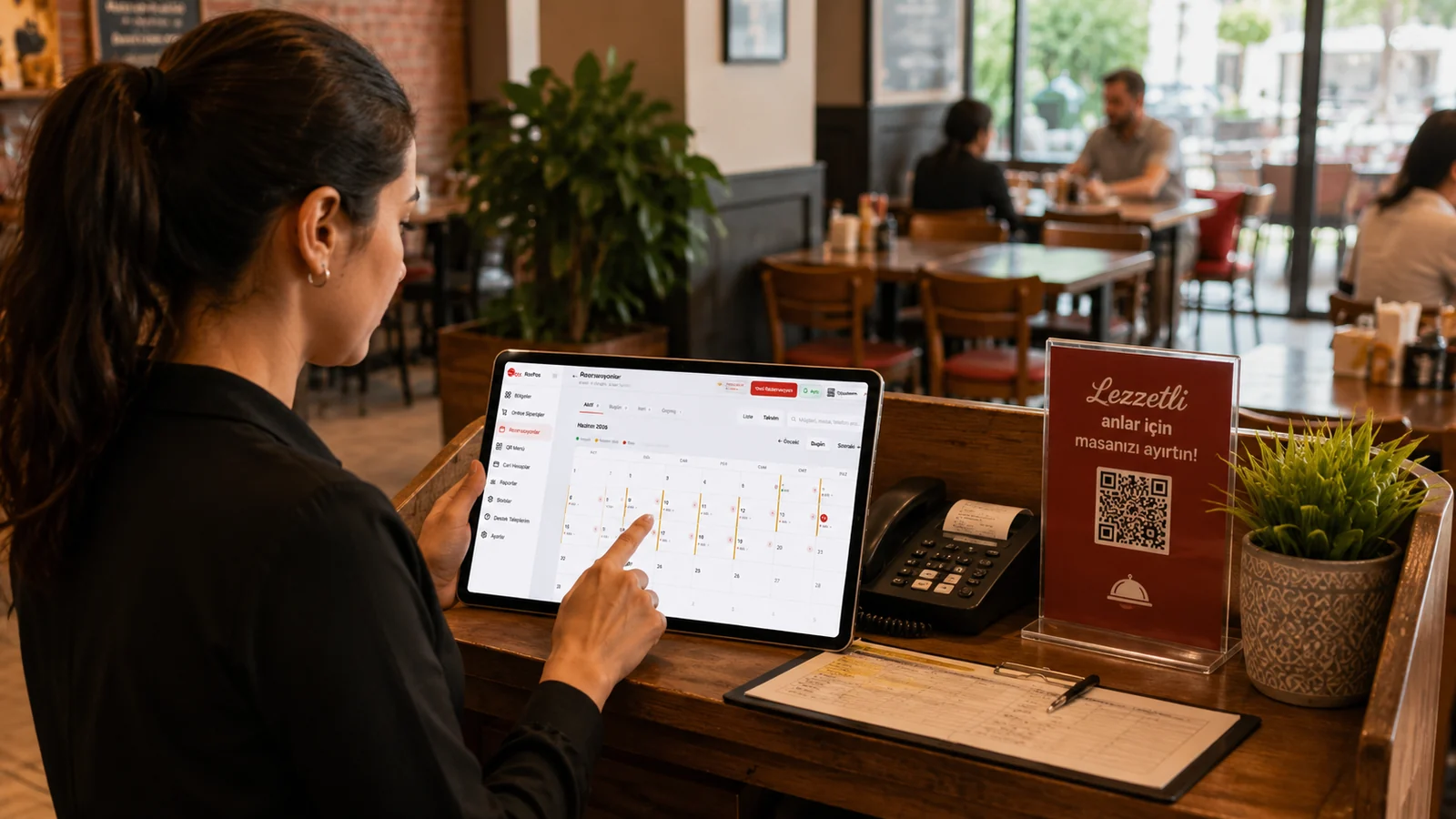
Take reservations by date, time, table and hall; auto-filter past records and manage active reservations on a single screen.

Restaurant Reservation System

Key Highlights

Date- and time-based reservations — planning by day and time slot.

You attach each reservation to a check-in and check-out date and time, so you notice when a table already has an overlapping booking for the same hours. You can plan your service day around peak windows such as lunch and dinner and see from the list how many guests are expected at each time. Preparing staff and the kitchen against this plan keeps the venue running in a steady rhythm.

Table and hall selection — see at a glance which table/hall is taken.

Because every reservation is assigned to a specific table and dining area, the list shows which table has a reservation at which hour. You manage separate areas such as the garden, indoor hall or terrace individually and seat each guest in the right section. This way you can easily pick out tables that are not yet reserved for walk-in guests and use your capacity efficiently.

Past-reservation filter — old records don't clutter the list.

Reservations whose date and time have already passed are filtered out of the default list automatically, so the screen shows only active and upcoming entries. Your staff focus on the present situation without having to sift through old appointments one by one. This reduces clutter during busy service hours and lowers the chance of mistakes.

Guest and note info — name, phone and special requests on record.

You can attach the guest's name, phone number and special requests, such as a birthday or an allergy, as notes on each reservation. By reviewing these notes before service you tailor the preparation to the guest and deliver a personalized experience. With the contact details on file you can easily reach the guest whenever needed.

What Does This Integration Deliver?

Planning the evening service in advance by table/hall occupancy

Before the evening service begins, you can see in the list which tables and dining areas are booked at which hours and set aside the still-free tables for walk-in guests. This advance view lets you position the kitchen and service team according to the expected load and spread your capacity evenly across the day.

Recording a phone reservation within seconds

When the phone rings, you enter the date, time, table and guest details on the same screen and complete the reservation before the call ends. Since the system is cloud-based and needs no installation, you can do this from an iPad, phone or web browser while still talking to the customer.

Separating special-day/group reservations by hall

For a birthday, a celebration or a large party you can reserve tables within the same dining area, keeping these guests separate from the other sections. This area-based layout lets you record the group's needs and special requests as notes and plan the service around that section.

Hiding past reservations and tracking only active ones

Because expired entries are filtered out of the default list automatically, the screen keeps only the active reservations for today and the days ahead. Staff stay focused on the current situation instead of getting lost among old appointments, and clearly track which guest is coming and which table needs to be prepared.

Related Solutions

Frequently Asked Questions

What details can I capture for a reservation?

You can pick date, time, table and hall, and add the guest's name, phone and a special note. Everything is recorded on a single screen.

What happens to past reservations?

Past reservations are filtered automatically; the default list shows only active/upcoming ones, and you can access history separately.

Can I manage multiple halls?

Yes. Each hall and table is defined separately; by linking a reservation to the right hall and table you avoid occupancy clashes.

Is the reservation linked to checks and table management?

Yes. Reservations live in the same system as the RoxPos table layout; when the guest arrives you can open the relevant table and move to the check quickly.