
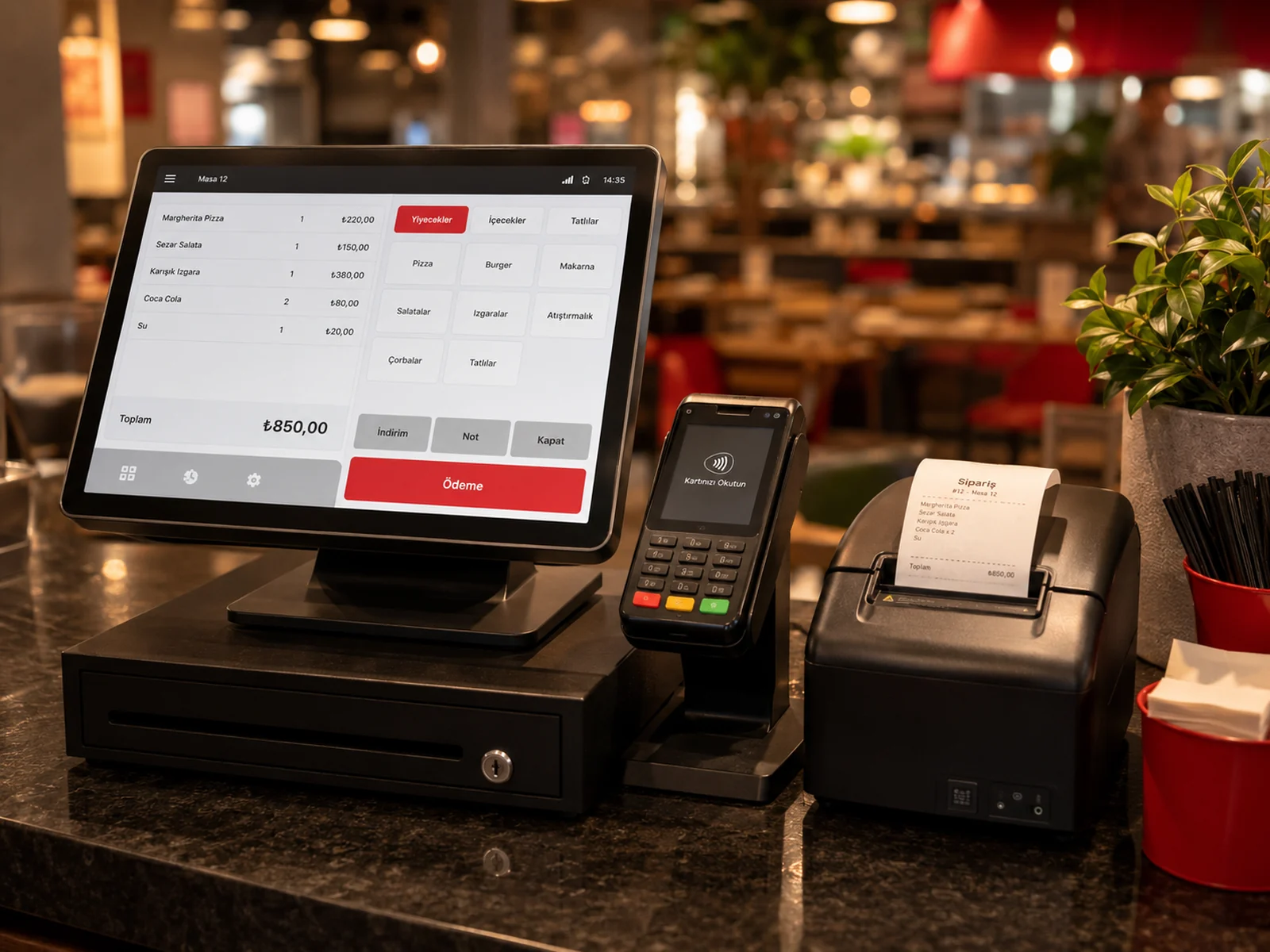
inPOS is a next-generation fiscal POS (ECR) brand in Türkiye; the M530 is one of its devices. With the inPOS integration turned on in RoxPos you never retype the bill total on the device: the bill goes from RoxPos to the device, and the payment and receipt details come back to RoxPos. There are two ways to connect: wireless (TSM) or wired (GMP3).
How a Sale Goes Through over Wireless (TSM)
- The cashier sends the bill with Send to POS in RoxPos.
- The inPOS device pulls the sent bills from RoxPos itself through inPOS TSM; the bill appears in the device's list.
- When the cashier opens the order on the device, the table is locked and drops off the other devices' lists, so the same table cannot be opened on two devices.
- Once the payment is taken and the receipt issued, the payment plus the receipt no., Z no. and EKÜ no. are written to RoxPos; the table does not close by itself, the cashier closes it (or the table screen does, if the auto-close setting is on).
- If the device cancels, the order returns to the list; if the same receipt arrives a second time, the payment is not written again.
How a Sale Goes Through over Wired (GMP3)
- The device is paired once with the Windows PC at the till using inPOS's GMP3 pairing program (the PC's IP address and port).
- The cashier chooses the payment type in RoxPos; on wired the type is required (cash, card or meal card).
- The RoxPos inPOS till program on the till PC prints the receipt on the device over the cable with that payment type.
- The receipt no., Z no. and EKÜ no. are written to RoxPos.
Payment Type: in RoxPos or on the Device?
- Wireless (TSM) · cash, meal card or bank transfer: if chosen in RoxPos, the device issues the receipt with that type and the amount counts as paid. Supported meal cards: Multinet, Sodexo, Setcard, MetropolCard, Edenred, TokenFlex, Paycell, iWallet.
- Wireless (TSM) · card, or no type chosen: the device takes the payment.
- Wireless (TSM) · 'Payment type required': if you turn on this optional terminal setting, a bill cannot be sent without a type.
- Wired (GMP3): the payment type is chosen in RoxPos and is required (cash, card or meal card); the receipt is issued with that type.
- VAT and department: the product group's VAT / department is sent to the device.
Online Orders
On wired (GMP3), the RoxPos inPOS till program also prints online order receipts; if Auto-send to POS (Receipt) is on in the online order automation, the receipt is issued automatically on the device you chose. On wireless (TSM) there is no automatic receipt: for orders from platforms such as Yemeksepeti and Getir you send the receipt from the order details with Send to POS (Receipt); it lands in the device's list and the cashier picks it on the device and issues it.
Setup
- In the panel, open Settings ▸ POS Integration ▸ inPOS.
- Choose the connection type: Wireless (TSM) or Wired (GMP3). Enter the device's serial number; for wired, also enter the till PC's IP address and port.
- For wired, pair the device once with the till PC's IP address and port using inPOS's GMP3 pairing program; because the RoxPos inPOS till program prints the receipt, the PC and the program must be running.
- On wireless, your company profile decides between the test and live environment; the address is the same, so there is nothing else to choose.
- Send a test bill and check that the payment and receipt details come back to RoxPos.
For the setup steps, see the inPOS support guide; to download RoxOKCinPos, the wired connection's program, with pairing and FAQ, see the wired inPOS (GMP3) page; to compare all brands' connection types, see fiscal POS connection types.